
What you can do:
- Turn your card on or off if it is misplaced or you want to temporarily prevent purchases.
- Report your card lost or stolen and request a replacement card.
- Set travel notices before traveling to help prevent your card from being declined.
- View your card details, including your card status.
- Manage your PIN.
Quick links:
Viewing your card (consumer accounts).
Viewing your card (business accounts).
Viewing your card (consumer accounts)
Your card gets automatically pre-loaded, just follow the steps below:
The Web:
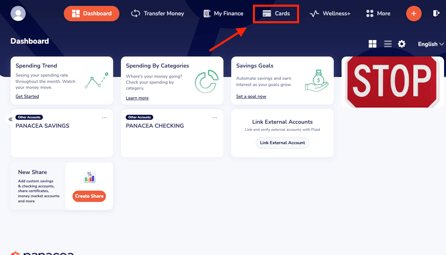
On your Dashboard, click on Cards.
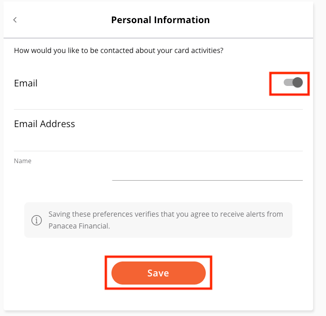
The next screen will ask you how you would like to be contacted about your card activities. Select email or phone. Click Save.
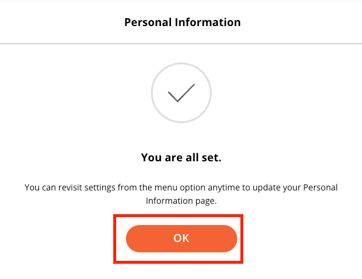
You will receive a confirmation message. Click OK
The App:
Click on Cards at the bottom of your screen and follow the prompts to view your card.
%202.48.13%20p.m.-1.png?width=193&height=419&name=Captura%20de%20pantalla%202026-07-22%20a%20la(s)%202.48.13%20p.m.-1.png)
You can also add your card to your mobile phone wallet. Click on the option that says Add to Apple Pay / Google Pay and follow the prompts.
%202.48.49%20p.m..png?width=197&height=428&name=Captura%20de%20pantalla%202026-07-22%20a%20la(s)%202.48.49%20p.m..png)
(Click here to go back to the top)
Viewing your card (business accounts)
You will need to manually add your card, follow the steps below:
On your Dashboard, click on Cards.
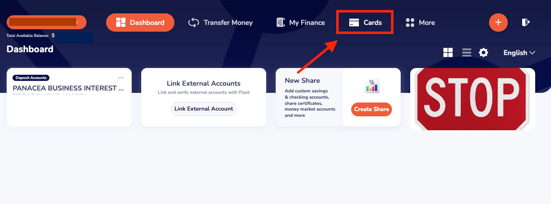
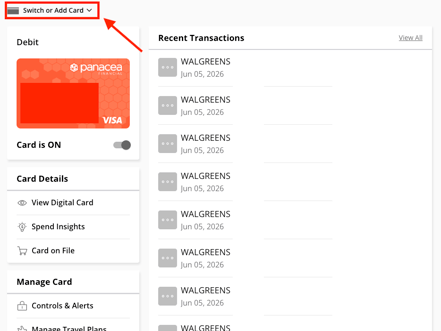
One the next screen click Switch or Add Card.
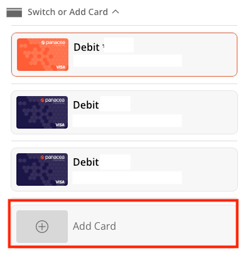
Select Add Card.
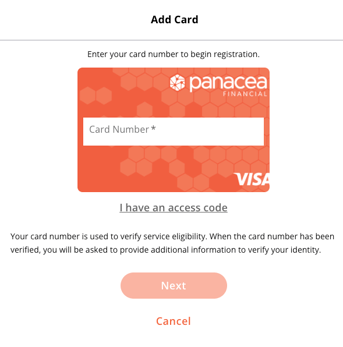
Follow the prompts to complete the process.
(Click here to go back to the top)
Managing Cards:
This section allows you to securely manage your card, view spending insights, update your card settings, and quickly access features like travel notifications, PIN management, and lost or stolen card reporting.
- View your digital card: this feature lets you securely access your debit card information without needing the physical card.
From this screen, you can:
- View your card number.
- View the expiration date.
- View the security code (CVV).
- Copy your card details for online purchases (when available).
For your security, you may be asked to verify your identity before your full card details are displayed.
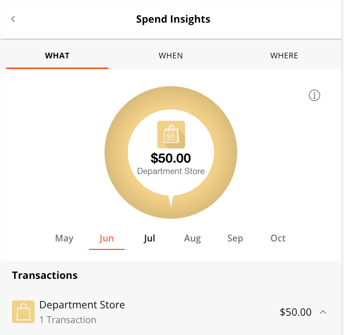
- Spend Insights: helps you better understand how you're using your debit card by organizing your transactions into easy-to-read spending categories. Here you can:
- View a summary of your spending by category, such as dining, groceries, shopping, travel, and more.
- Track your spending over time.
- Identify spending trends and patterns.
- Gain a better understanding of where your money is going to help manage your budget.
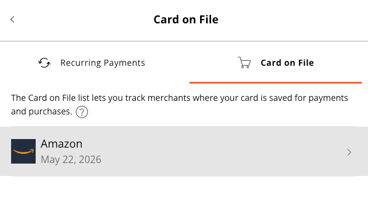
- Card on File: See a list of merchants and services where your card is stored for recurring or automatic payments.
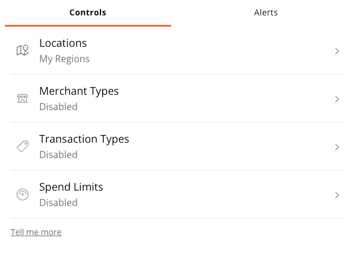
- Set Controls and Alerts: receive notifications and set controls on where, when, and how your card is used.
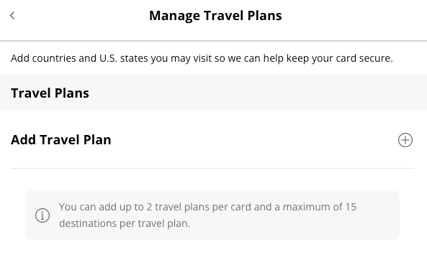
- Manage Travel Plans: Notify us of your travel plans to help reduce the chance of your card being declined while you're away.
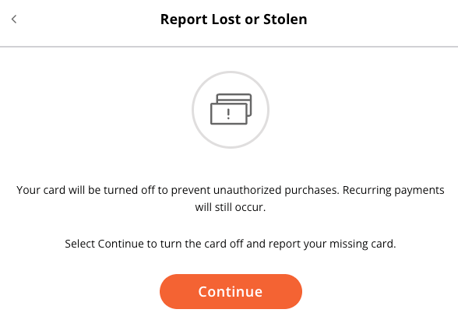
- Report Lost or Stolen: Quickly report your card as lost or stolen and begin the process of requesting a replacement.
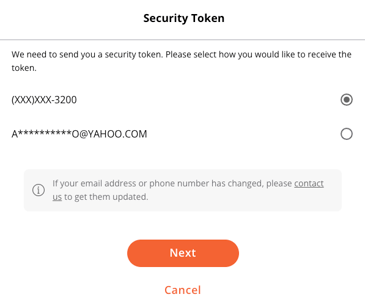
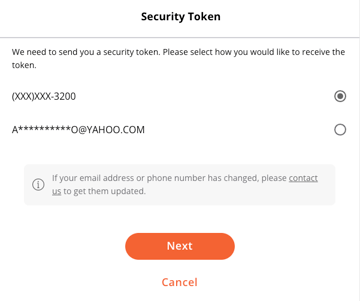
- Set PIN: Create or update your debit card PIN for ATM withdrawals and point-of-sale purchases. Your identity will be verified via a security token.
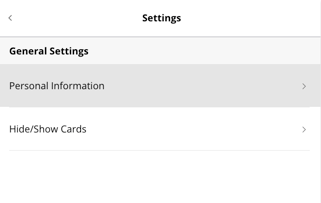
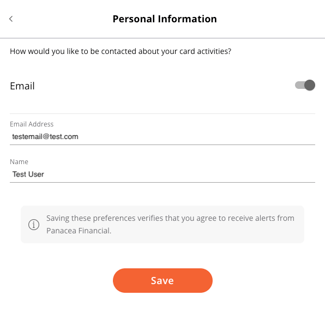
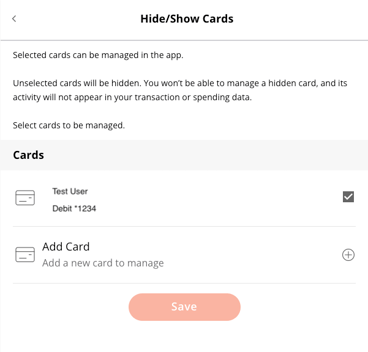
- Settings: Manage your card preferences and notification settings. Here you can update your personal information, and choose to hide / show your cards.
(Click here to go back to the top)