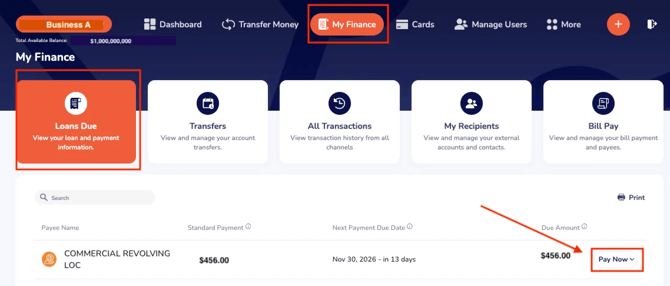
Select a loan account from the "Loans Due" option available under "My Finance". Click Pay Now.
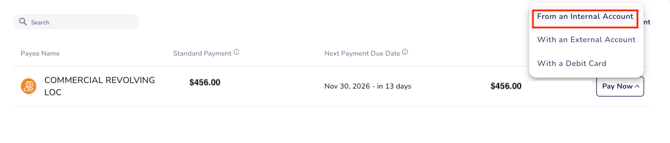
Choose "From an Internal Account":
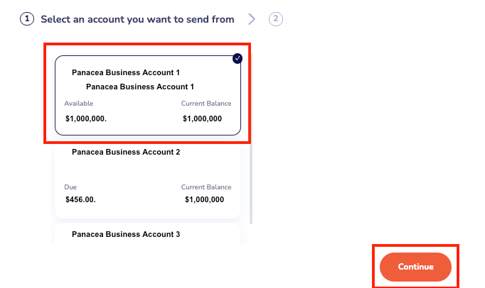
 Choose the account from which you wish to initiate the payment. Click Continue.
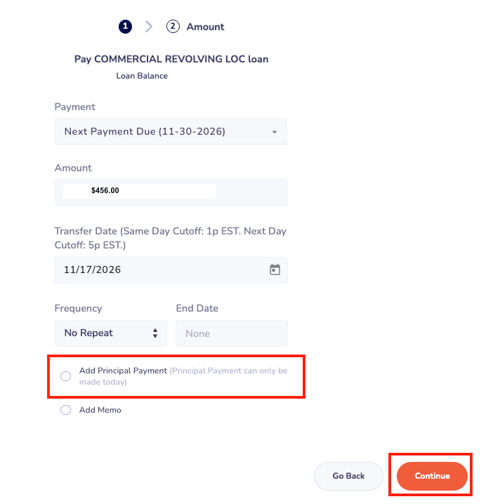
Select the box labeled "Add to Principal Payment". Click Continue.
Important: Principal payments cannot be scheduled.