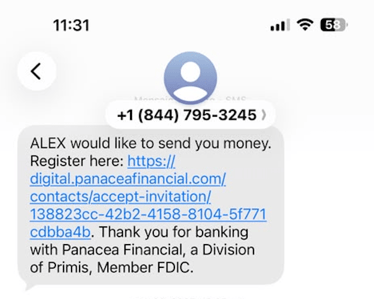
When an account owner sends you an invitation to receive funds, you will receive an alert via text message or email (depending on the information the account owner entered when adding sending the invite).
Click on the blue link to complete the registration.
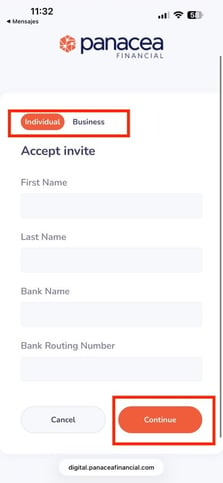
On the next screen add your personal details (First and Last name, Bank Name and Bank Routing Number. Make sure to select the account type (individual or business). Click Continue.
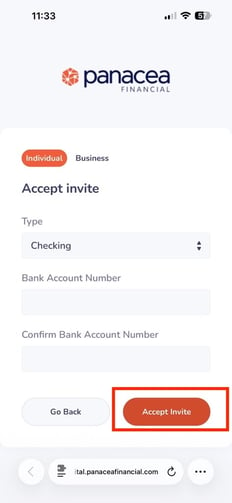
Next you will be asked to confirm your account type (checking or savings) and the Bank Account Number. Click Accept Invite to proceed.
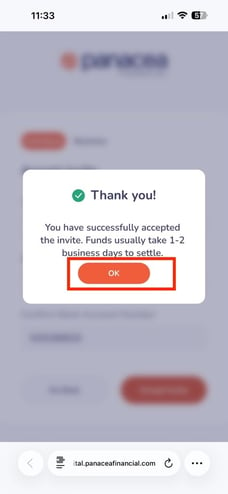
You will receive a confirmation message that you have succesfully accepted the invite. Notice that funds usually take 1-2 business days to settle. Click OK to finish.